
Download UPX Shell – Free, Secure, Lightweight Executable Packer for Windows
UPX Shell is a powerful, free, and open-source utility designed to simplify the use of UPX (Ultimate Packer for eXecutables) on Windows systems. This lightweight tool acts as a user-friendly shell interface for the UPX compression engine, making it accessible even to users who aren’t comfortable with command-line operations. Whether you're a developer, system administrator, or software enthusiast, UPX Shell enables you to compress and decompress executable files with just a few clicks.
With support for Windows 98 and older systems, it remains a reliable choice for legacy environments. The software has been a staple in the software utilities category since 2005, with over 8,500 downloads and continued updates—last updated in 2010, with critical bug fixes addressing startup failures and compatibility issues on Windows 7 and 98. Available in multiple languages including English, Spanish, and German, UPX Shell ensures broad accessibility.
Its minimal footprint and efficient design make it a secure, low-resource option for file compression tasks.
Key Features of UPX Shell
UPX Shell stands out in the crowded software utilities space thanks to its robust yet simple feature set. One of its most powerful features is seamless integration with the UPX compression engine, allowing users to compress executable files (EXE, DLL, SYS) without needing to manually input complex command-line syntax. This makes it ideal for beginners and advanced users alike. The tool supports batch processing, enabling you to compress multiple files at once—a time-saver for developers managing large software packages. Another standout feature is its ability to decompress files that were previously packed with UPX, ensuring reversibility and flexibility in software deployment.
Security and reliability are built into the core of UPX Shell. The software has undergone several updates to fix critical bugs, including a major fix that prevented compressed executables from launching—something that could have caused serious workflow disruptions. Additionally, compatibility improvements now allow the tool to function properly on modern Windows 7 systems, despite its roots in older operating systems. The interface is clean and intuitive, with drag-and-drop functionality, right-click context menu integration, and support for multiple languages, enhancing usability across different regions. With a small memory footprint and minimal system impact, UPX Shell is perfect for low-end machines or environments where resource usage must be tightly controlled.
For developers, the tool also supports command-line parameter customization, allowing advanced users to fine-tune compression levels and settings. The open-source GPL license ensures transparency and community-driven development, giving users confidence in the software’s integrity. Whether you're shrinking executable sizes for faster distribution, reducing disk usage, or optimizing software for older systems, UPX Shell delivers consistent performance. Its long-standing presence in the software ecosystem—over 15 years—speaks volumes about its stability and trustworthiness.
Installation & Usage Guide
Installing UPX Shell is a straightforward process, especially for users familiar with Windows software. Since it’s a portable application, you don’t need to run an installer—simply download the ZIP file from a trusted source, extract it to a folder of your choice, and launch UPXShell.exe. There’s no need to register or configure system settings, making it ideal for quick deployment in both personal and professional environments.
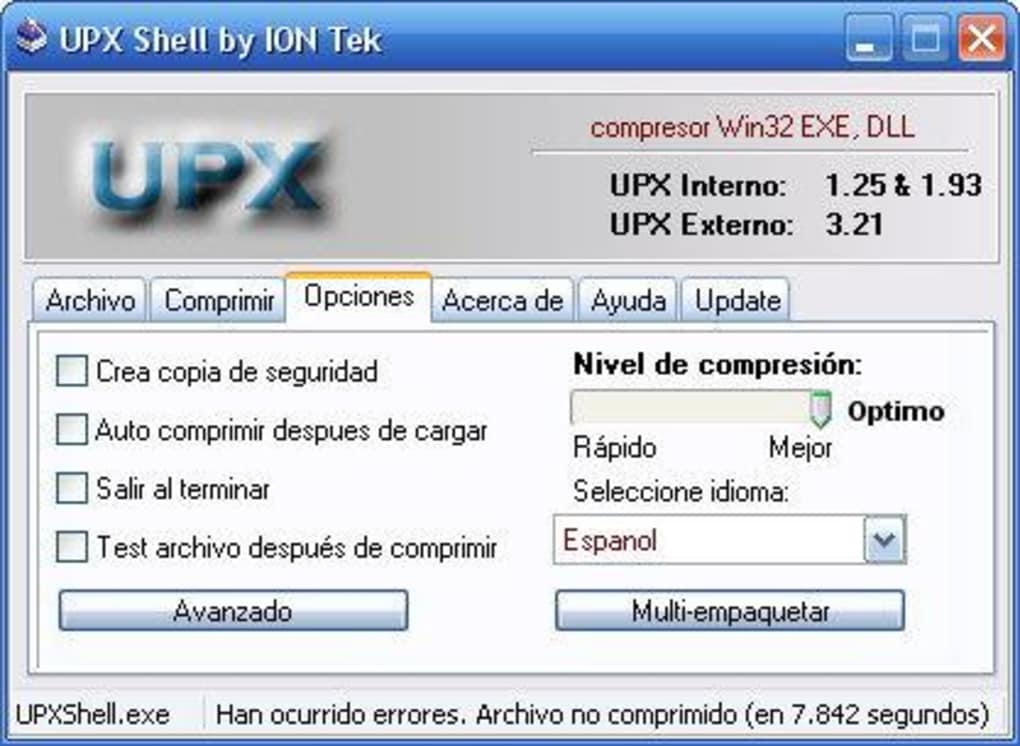
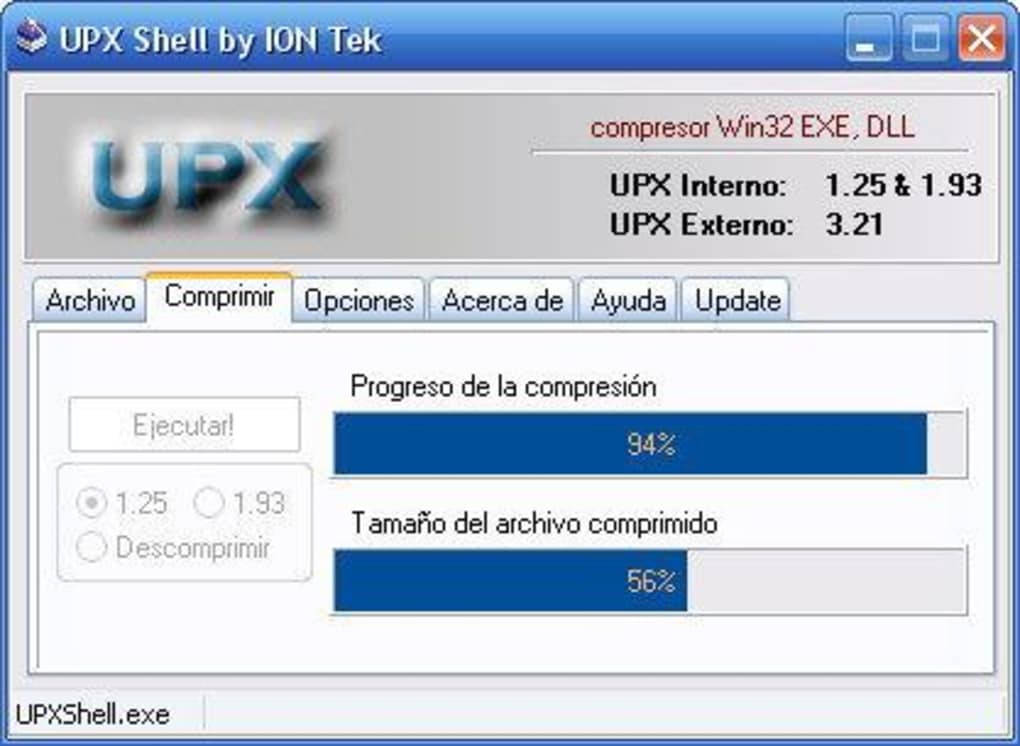
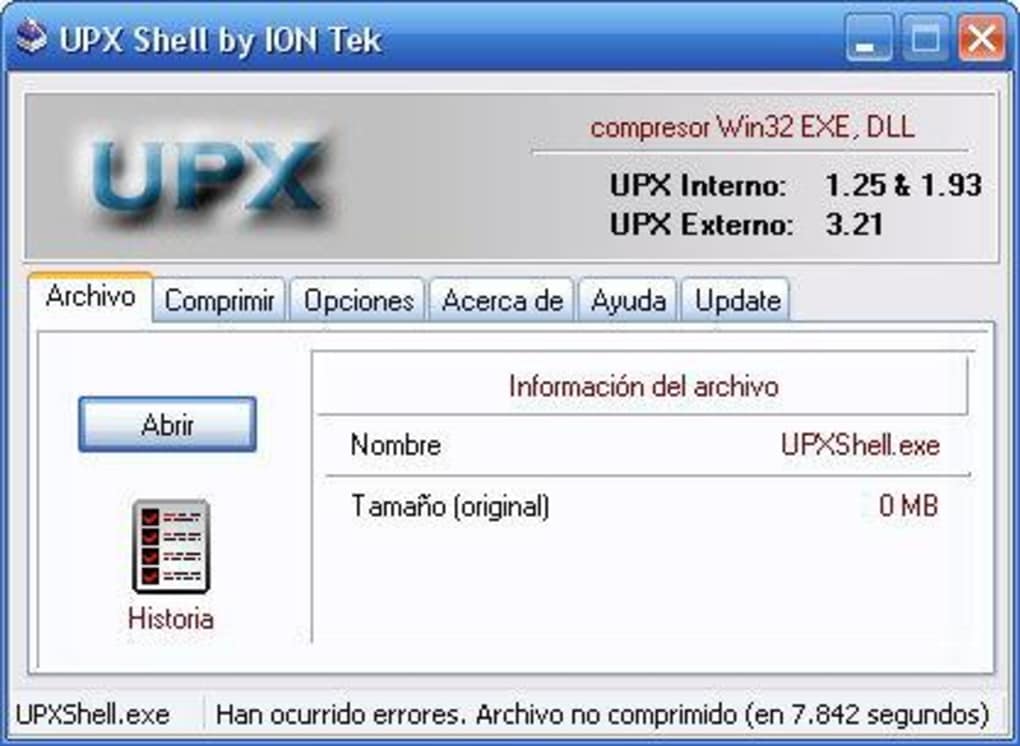
Once launched, the interface presents a clean, no-frills layout. To compress a file, simply drag and drop the executable (EXE, DLL, SYS) into the main window, or use the “Add File” button. The tool will automatically detect the file type and apply UPX compression with default settings. You can adjust compression levels via the settings menu, though the default settings are optimized for the best balance between size reduction and performance. After compression, the tool generates a smaller version of the file with a .upx extension, preserving the original in case of rollback.
For decompression, select the packed file and choose the “Decompress” option. UPX Shell will restore the original executable, ensuring no data loss. Batch processing is also supported—add multiple files, select a compression profile, and let the tool handle the rest.
Right-click integration allows you to access UPX Shell directly from the Windows context menu, enabling one-click compression from File Explorer. This feature is particularly useful for developers who frequently package and distribute software. The tool is fully compatible with Windows 98, ME, 2000, XP, and even Windows 7, making it a versatile choice across legacy and modern systems.
Compatibility & System Requirements
UPX Shell is designed with backward compatibility in mind, supporting a wide range of Windows operating systems, including Windows 98, Windows ME, Windows 2000, Windows XP, and Windows 7. This broad compatibility makes it a valuable tool for users still relying on older systems or working in constrained environments where upgrading hardware or software isn’t feasible. Despite its age, the software continues to receive updates—most recently in 2010—to fix critical bugs and improve stability.
The system requirements are minimal. UPX Shell runs efficiently on machines with as little as 128 MB of RAM and a 100 MHz processor, making it suitable for older hardware. It doesn’t require administrator rights to run, which is ideal for shared or restricted environments. The application is completely portable, meaning you can run it from a USB drive or network share without installation, enhancing its flexibility for IT professionals and system administrators.
While UPX Shell does not currently support macOS, Linux, Android, or iOS, its focus remains on the Windows ecosystem. For users on other platforms, alternative tools like UPX CLI or third-party wrappers are available. However, for Windows users seeking a free, secure, and reliable executable compression tool, UPX Shell remains one of the best options. Its ability to handle both compression and decompression with high success rates ensures that your software remains functional and optimized.
Pros & Cons of UPX Shell
- Pros:
- Free and open-source under GPL license
- Lightweight with minimal system resource usage
- Supports batch compression and decompression
- Intuitive drag-and-drop interface
- Right-click context menu integration
- Compatible with Windows 98 and newer systems
- Regular bug fixes and stability improvements
- Portable—no installation required
- Cons:
- Latest update was in 2010 (no recent development)
- Does not support macOS, Linux, Android, or iOS
- Limited customization compared to command-line UPX
- No built-in preview of compression ratio before applying
- Interface is dated and lacks modern design elements
Frequently Asked Questions (FAQ)
Is UPX Shell free to download and use?
Yes, UPX Shell is completely free and released under the GPL (General Public License). You can download, use, modify, and distribute it without any cost or licensing restrictions.
Can I use UPX Shell on Windows 10 or Windows 11?
While UPX Shell was officially tested on Windows 7, many users report successful operation on Windows 10 and 11 through compatibility mode. However, it’s not officially supported on these newer systems, so results may vary.
Does UPX Shell work with all types of executable files?
UPX Shell supports standard Windows executables (EXE), dynamic link libraries (DLL), and system files (SYS). However, it may not work with heavily obfuscated or protected binaries.
How do I decompress a file compressed with UPX Shell?
To decompress, simply open UPX Shell, add the packed file, and select the “Decompress” option. The tool will restore the original executable without data loss.
Is UPX Shell secure to use?
Yes, UPX Shell is considered secure. It’s open-source, so its code can be audited. The software does not include malware or tracking components. Always download from trusted sources to ensure integrity.
Final Verdict & Call to Action
UPX Shell remains a solid, reliable choice for anyone needing a lightweight, free executable compression tool on Windows. Despite its last update in 2010, the software continues to function well across a wide range of systems, thanks to consistent bug fixes and community trust. Its ease of use, portability, and strong compatibility make it ideal for developers, IT professionals, and hobbyists alike. While it lacks modern design and recent development, its core functionality is rock-solid and efficient.
If you're looking to reduce file sizes, optimize software distribution, or manage legacy systems, UPX Shell delivers excellent value. Download it today and experience a trusted, secure, and free tool that’s stood the test of time. Whether you're compressing a single EXE or packaging an entire application suite, UPX Shell simplifies the process—without compromising performance.
Download UPX Shell now and take control of your executable files with confidence.







